SQL Studio 主要采用 Rust、TypeScript 语言开发,遵循 MIT 开源协议,代码托管在 GitHub。
GitHub地址:https://github.com/frectonz/sql-studio
🔹功能特性
- 跨平台:SQL Studio 支持 Windows、macOS、Linux 操作系统部署,用户通过浏览器进行访问。
- 轻量级:SQL Studio 编译成了单个二进制文件,大小只有几十 MB,启动服务只需要一个命令。
- 数据库:目前支持的数据库包括 SQLite、libSQL、PostgreSQL、MySQL、DuckDB、ClickHouse 以及 Microsoft SQL Server。
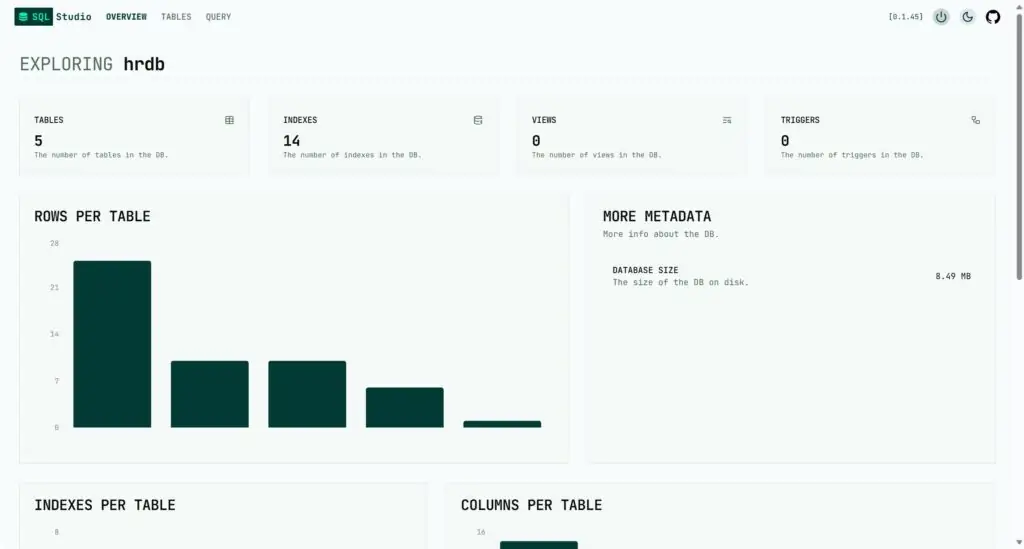
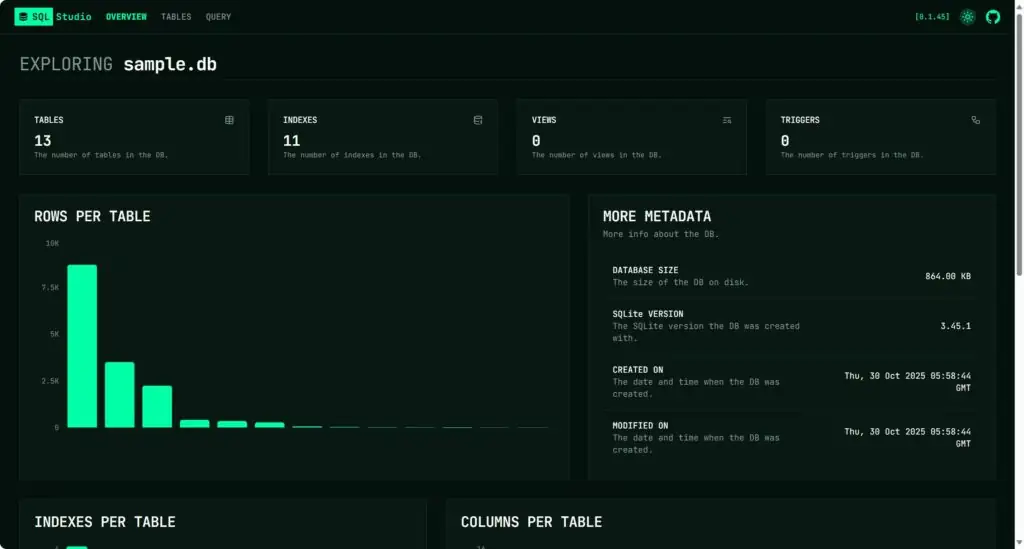
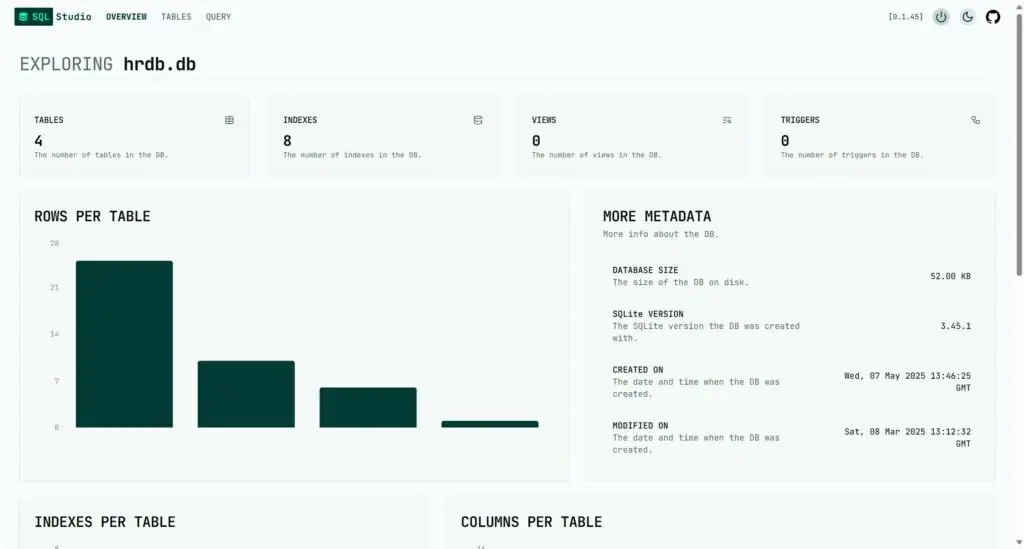
- 数据库概览:Overview 页面提供了关于数据库的汇总信息,包括表、索引、视图、触发器的数量、表中的行数汇总、数据库大小等。
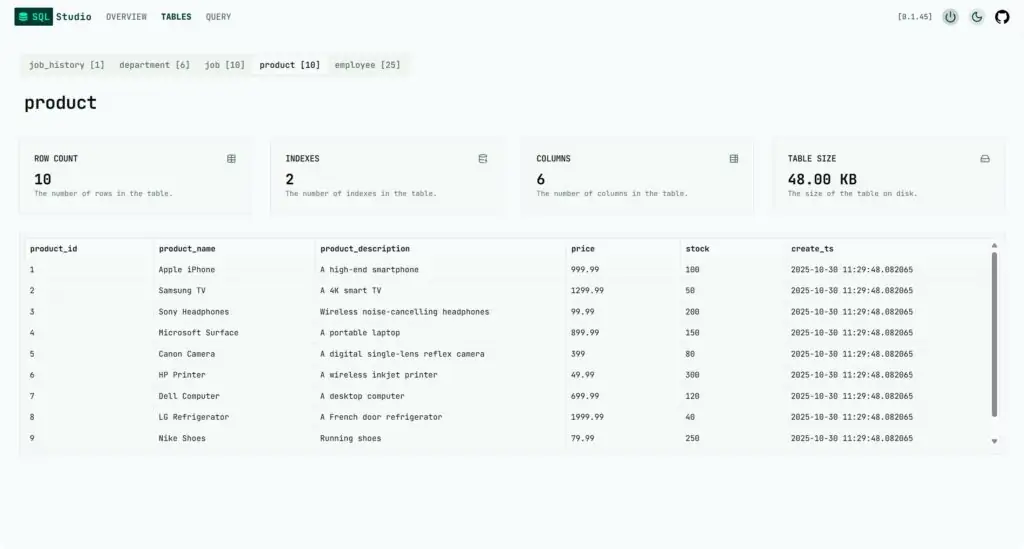
- 表结构概览:TABLES 页面显示了每个表的具体信息,包括字段数量、索引数量、总行数以及表的大小。
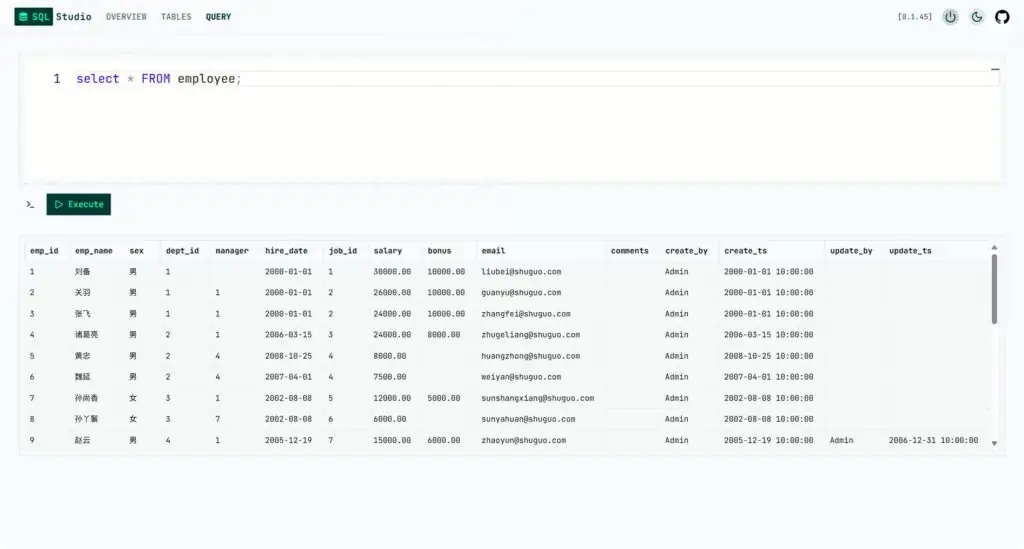
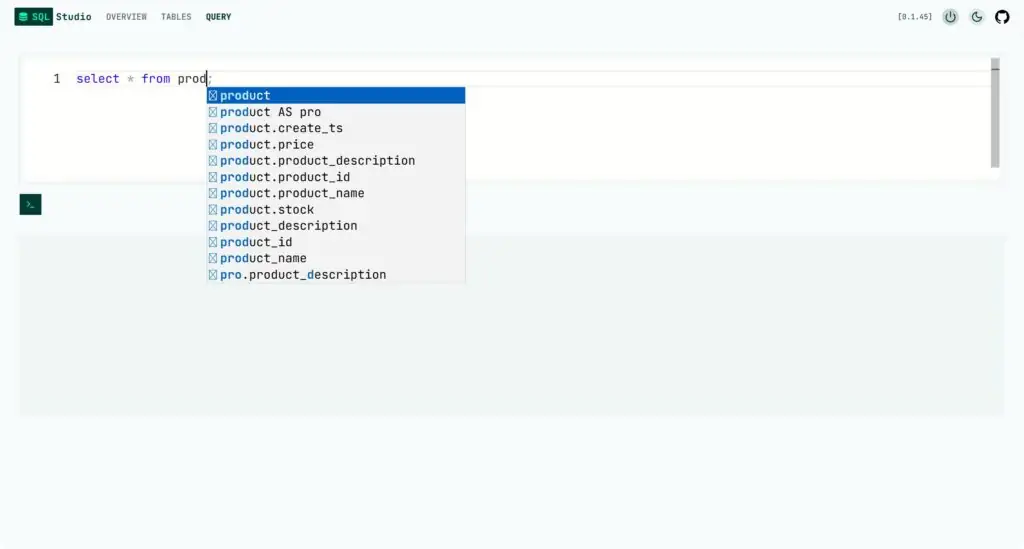
- 查询功能:QUERY 页面可以用于编写和执行 SQL 语句,支持代码补全和语法高亮。
在线体验
SQL Studio 提供了一个在线体验地址:https://sql-studio.frectonz.et/
下载安装
SQL Studio 提供了多种本地部署方式,推荐使用以下命令进行安装:
- Windows使用以下PowerShell命令进行安装
powershell -ExecutionPolicy Bypass -c "irm https://github.com/frectonz/sql-studio/releases/download/0.1.45/sql-studio-installer.ps1 | iex"- MacOS、Linux使用以下shell命令进行安装
curl --proto '=https' --tlsv1.2 -LsSf https://github.com/frectonz/sql-studio/releases/download/0.1.45/sql-studio-installer.sh | sh安装完成之后查看帮助信息:
PS C:\Users\bell-> sql-studio
Single binary, single command SQL Database Explorer.

Usage: sql-studio.exe [OPTIONS] <COMMAND>

Commands:
  sqlite        A local SQLite database
  libsql        A remote SQLite database via libSQL
  local-libsql  A local SQLite database via libSQL
  postgres      A PostgreSQL database
  mysql         A MySQL/MariaDB database
  duckdb        A local DuckDB database
  clickhouse    A ClickHouse database
  mssql         A Microsoft SQL Server database
  help          Print this message or the help of the given subcommand(s)

Options:
  -a, --address <ADDRESS>      The address to bind to [env: ADDRESS=] [default: 127.0.0.1:3030]
  -t, --timeout <TIMEOUT>      Timeout duration for queries sent from the query page [env: TIMEOUT=] [default: 5secs]
  -b, --base-path <BASE_PATH>  Base path to be provided to the UI. [e.g /sql-studio] [env: BASE_PATH=]
      --no-browser             Don't open URL in the system browser [env: NO_BROWSER=]
      --no-shutdown            Don't show the shutdown button in the UI [env: NO_SHUTDOWN=]
  -h, --help                   Print help
  -V, --version                Print version
然后通过命令行启动服务:
--查询本地SQLite数据库,DBFILE是数据库文件
sql-studio sqlite [DBFILE]

--查询远程PostgreSQL数据库,注意替换USERNAME、PASSWORD、IP、DBNAME
sql-studio postgres postgresql://USERNAME:PASSWORD@IP/DBNAME
启动之后通过浏览器访问以下地址:http://127.0.0.1:3030/
原创文章,作者:howkunet,如若转载,请注明出处:https://www.intoep.com/database/67819.html