Github大家都比较熟悉,而它的桌面版使用则更加方便(GitHub桌面版就是GitHub Desktop,它们的数据都是相通的),但是软件是英文版本,使用起来不太方便,这里为大家提供了该软件的汉化方法。
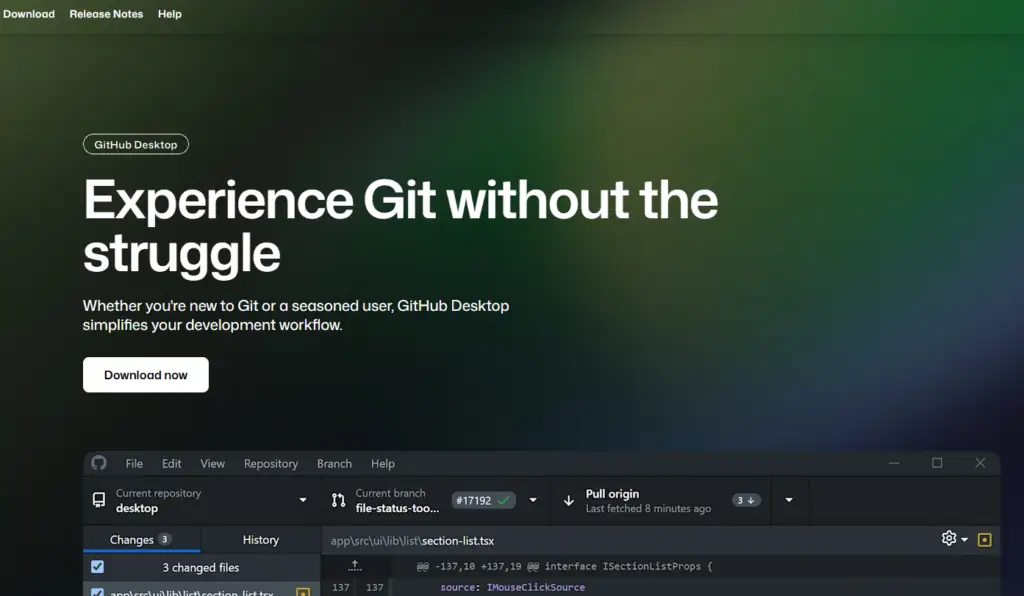
一、官网下载 GitHub Desktop
官网地址:https://github.com/apps/desktop
PS: 安装 Linux 版的 GitHub Desktop(点击此处直达)
二、查看当前 GitHub Desktop 的版本号
链接:https://desktop.github.com/release-notes/

三、下载对应的汉化包
链接:https://github.com/robotze/GithubDesktopZhTool/releases

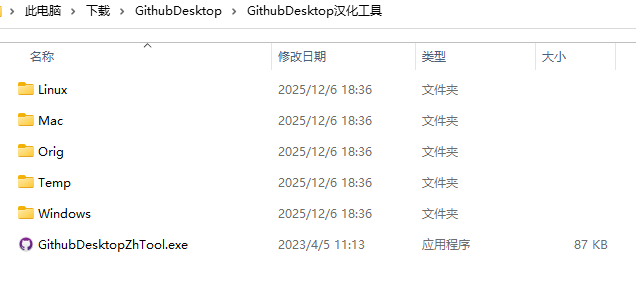
四、汉化的具体操作
Windows:
双击 GithubDesktopZhTool.exe,点击汉化即可。
Mac:
将Mac文件夹中的 main.js 和 renderer.js 拷贝替换GithubDesktop的安装目录
GithubDesktop安装目录一般为:/Applications/GitHub Desktop.app/Contents/Resources/app
Linux:
Linux文件夹中的 main.js 和 renderer.js 拷贝替换本地GithubDesktop的安装目录
Github Desktop安装目录一般为:/usr/lib/github-desktop/resources/app
转载作品,原作者:Mr.ZGY,文章来源:https://zhuanlan.zhihu.com/p/627568752