插件地址:https://www.npmjs.com/package/@tencent-weixin/openclaw-weixin
如何配置多 Agent
1. 安装并启用插件
openclaw plugins install "@tencent-weixin/openclaw-weixin"
openclaw config set 'plugins.entries["openclaw-weixin"].enabled' true --strict-json
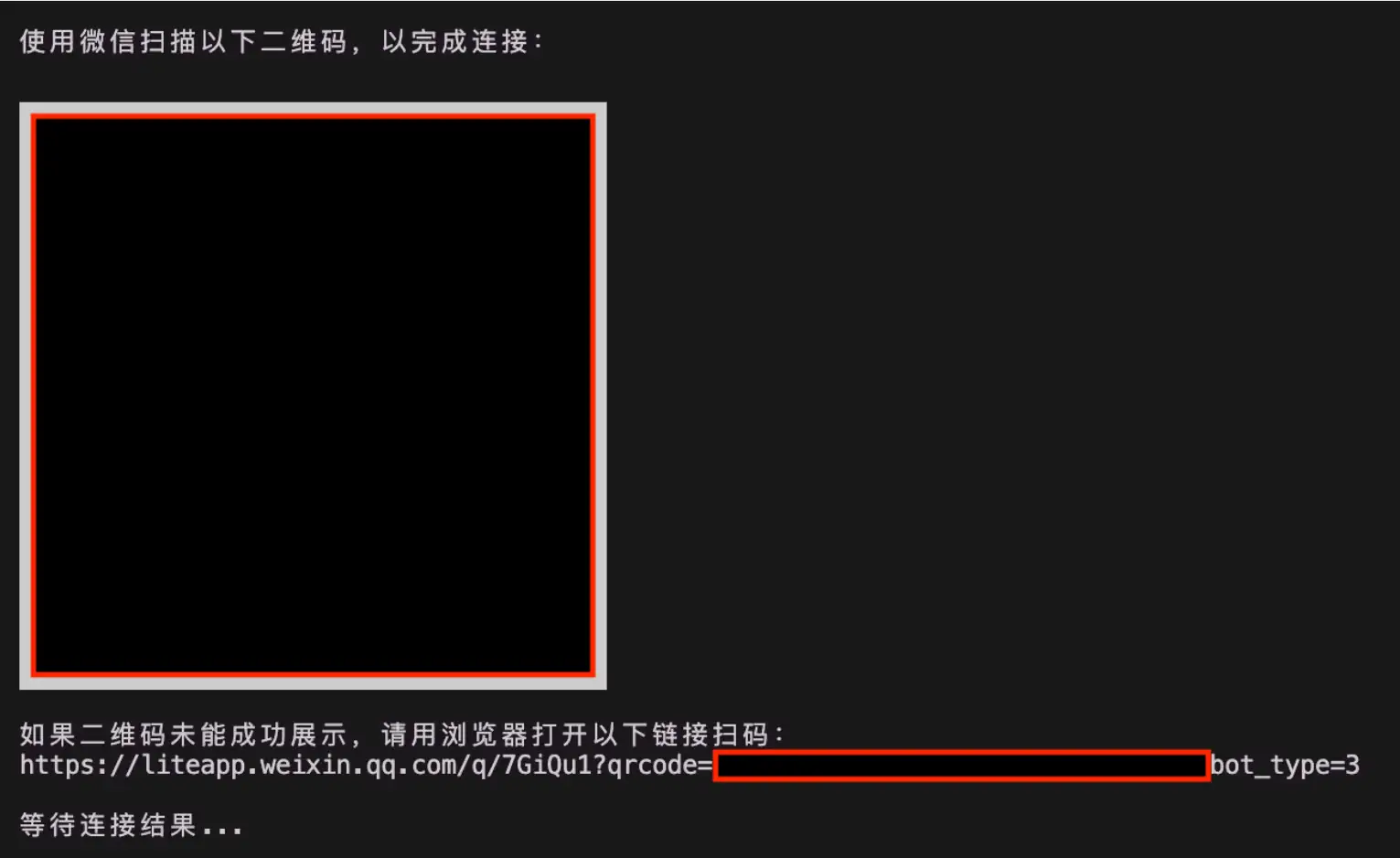
2. 分别扫码登录两个微信号
第一次扫码:
openclaw channels login --channel openclaw-weixin第二次扫码:
3. 取出这两个微信账号的 accountId
先看插件保存的账号索引:
cat ~/.openclaw/openclaw-weixin/accounts.json当前配置里实际账号为:
["6782910569e-im-bot", "134567e95d3e0-im-bot"]4. 创建两个 agent
openclaw agents add agent-weixin-a \
  --workspace ~/.openclaw/workspace-agent-weixin-a \
  --agent-dir ~/.openclaw/agents/agent-weixin-a/agent \
  --non-interactive

openclaw agents add agent-weixin-b \
  --workspace ~/.openclaw/workspace-agent-weixin-b \
  --agent-dir ~/.openclaw/agents/agent-weixin-b/agent \
  --non-interactive
5. 配置文件片段
{
  // 仅保留 openclaw-weixin 多账号 / agent 路由相关配置

"plugins":{
    // 当前完整配置里还有其他 allow 项,这里省略非相关项
    "entries":{
      "openclaw-weixin":{
        "enabled":true
      }
    }
},

"agents":{
    // 当前完整配置里还有 defaults 和 main,这里只保留相关 agent
    "list":[
      {
        "id":"agent-weixin-a",
        "name":"agent-weixin-a",
        "workspace":"~/.openclaw/workspace-agent-weixin-a",
        "agentDir":"~/.openclaw/agents/agent-weixin-a/agent"
      },
      {
        "id":"agent-weixin-b",
        "name":"agent-weixin-b",
        "workspace":"~/.openclaw/workspace-agent-weixin-b",
        "agentDir":"~/.openclaw/agents/agent-weixin-b/agent"
      }
    ]
},

"session":{
    // 按「Channel账号 + 发消息用户」彻底隔离
    "dmScope":"per-account-channel-peer"
},

"channels":{
    "openclaw-weixin":{
      "defaultAccount":"6782910569e-im-bot",
      "accounts":{
        "6782910569e-im-bot":{
          "name":"WeChat A",
          "enabled":true
        },
        "134567e95d3e0-im-bot":{
          "name":"WeChat B",
          "enabled":true
        }
      }
    }
},

"bindings":[
    {
      "agentId":"agent-weixin-a",
      "match":{
        "channel":"openclaw-weixin",
        "accountId":"6782910569e-im-bot"
      }
    },
    {
      "agentId":"agent-weixin-b",
      "match":{
        "channel":"openclaw-weixin",
        "accountId":"134567e95d3e0-im-bot"
      }
    }
]
}
6. 重启并验证
openclaw gateway restart
openclaw agents list --bindings
openclaw channels status --probe
转载作品,原作者:,文章来源:https://mp.weixin.qq.com/s/obgpTeTnBoigENhneA7nWA?scene=1&click_id=2